
Minecraft Server Backup Guide
Automated backups & instant Discord notifications – secure your server in minutes!
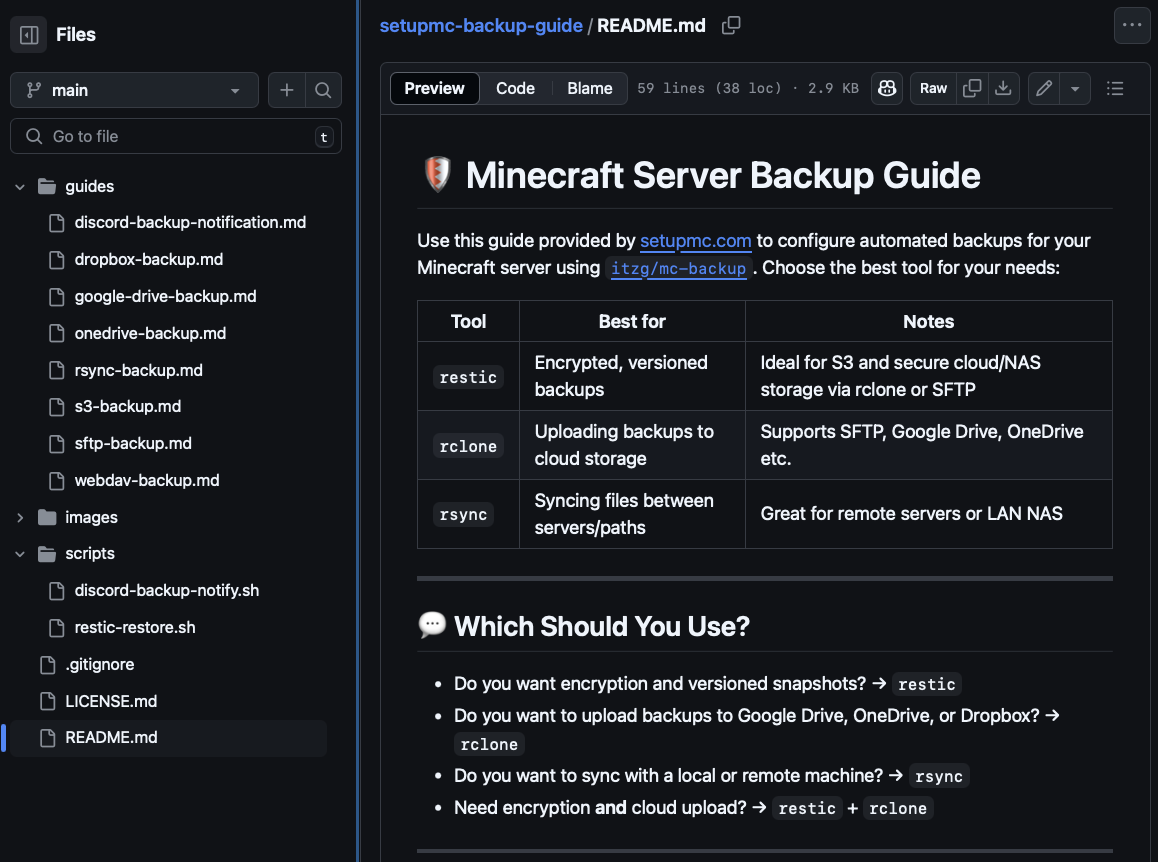
Step-by-step guides for Google Drive, OneDrive, Dropbox, S3, SFTP & more.
Based on the public itzg/mc-backup image – we provide you with practical implementation and ready-to-use configurations.
What does our Backup Guide offer?
Automated Backups
to Google Drive, OneDrive, Dropbox, WebDAV, S3, SFTP and local storage
Easy Setup
with step-by-step guides and configuration examples
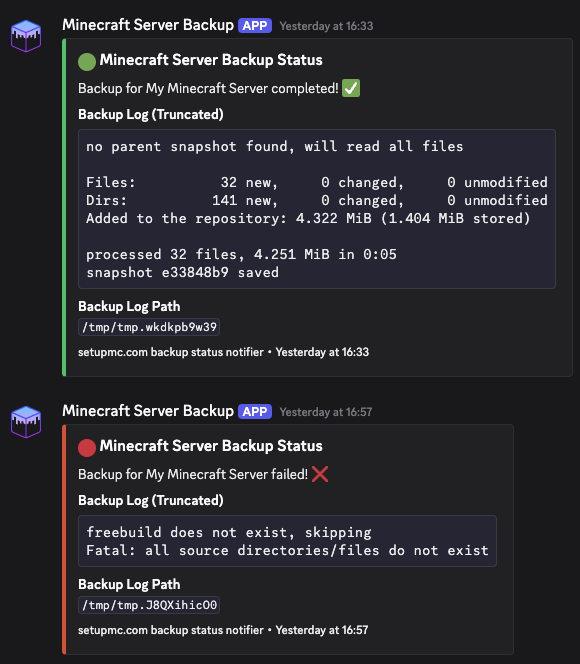
Instant Discord Notifications
for successful or failed backups
Flexible & Customizable
for different cloud storages and server setups
Secure & Reliable
with proven tools and best practices
Ready to Use
copy-paste configurations for immediate use
See it in action
Why this guide?
Save valuable time
Instead of spending hours reading documentation, get ready-made, tested configurations.
Transparent & honest
The Docker image is publicly available – our guide saves you the research and provides ready-to-use solutions.
Regularly updated
We keep the guides up to date – you benefit from all updates.
Get Started Now
Pay once, lifetime access – including all future updates.
Instant access to the complete GitHub repository with all guides and examples.
What you get:
- ✅ Instant access – no waiting
- ✅ Save hours of research & trial-and-error
- ✅ All future updates included
- ✅ Ready-to-use copy & paste configurations
Frequently Asked Questions
About the Docker Image
The Docker image itzg/mc-backup is publicly available on GitHub. The official documentation shows all available configuration options.
💡 Our guide provides you with detailed, hands-on step-by-step instructions for integration with cloud storage, Discord notifications, and more.
These Docker images are developed and maintained by itzg. If you appreciate his work, you can support him on GitHub Sponsors.
setupmc.com is not affiliated with itzg's "Minecraft on Docker" project.